

Letter4U
Create cute, interactable, and so pretty digital gifts and love letters
Social Kenji Buena

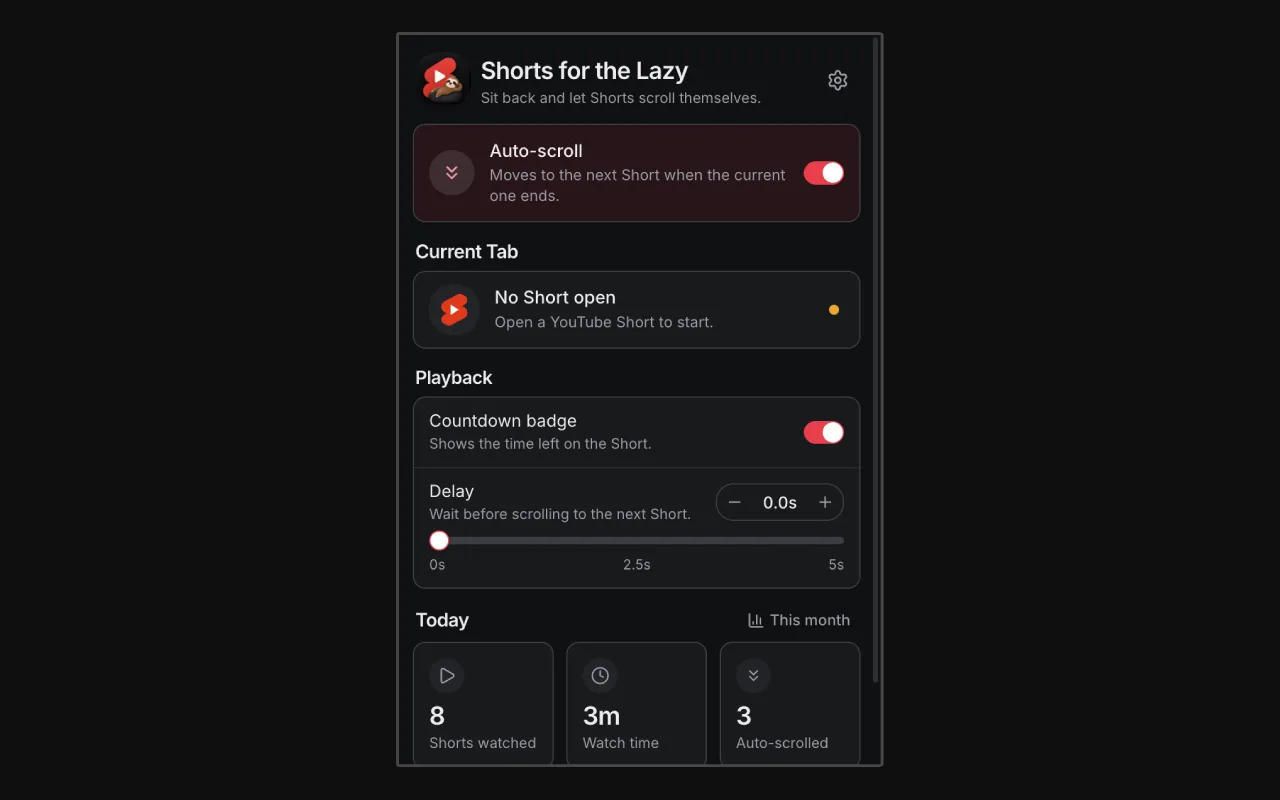
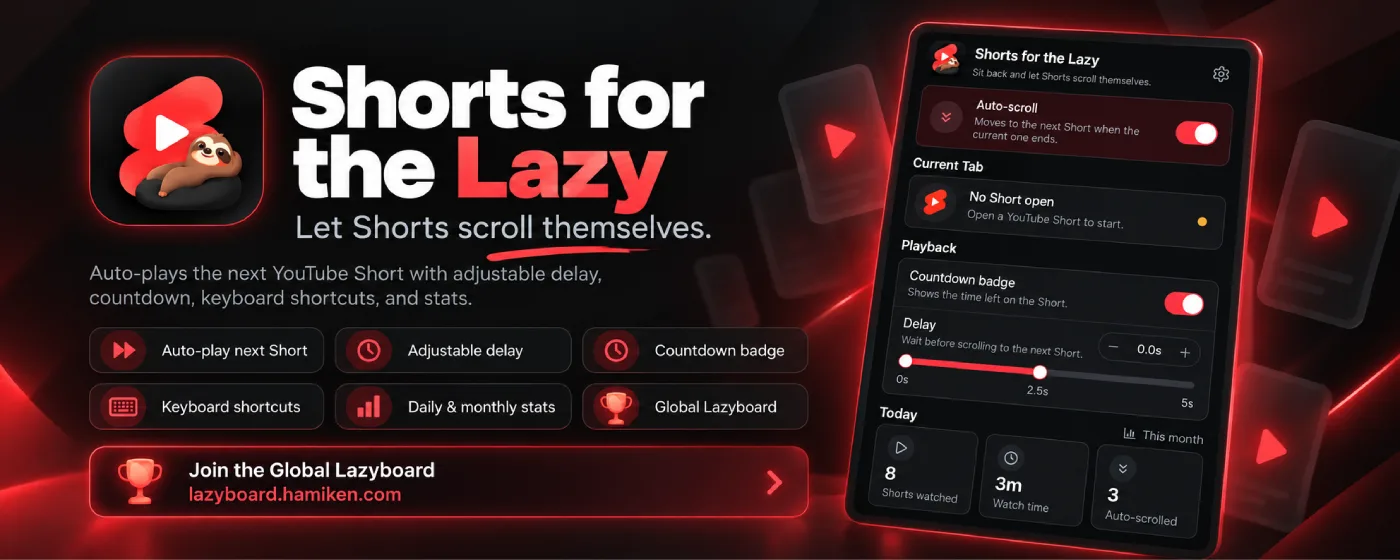
Sit back and let YouTube Shorts advance automatically when each video ends.
Auto scroll YouTube Shorts: set it once and sit back. Unlike YouTube's built-in loop, which replays the same Short, it moves to the next video the moment one finishes.
Features:
How to auto scroll YouTube Shorts:
Global Lazyboard (optional)
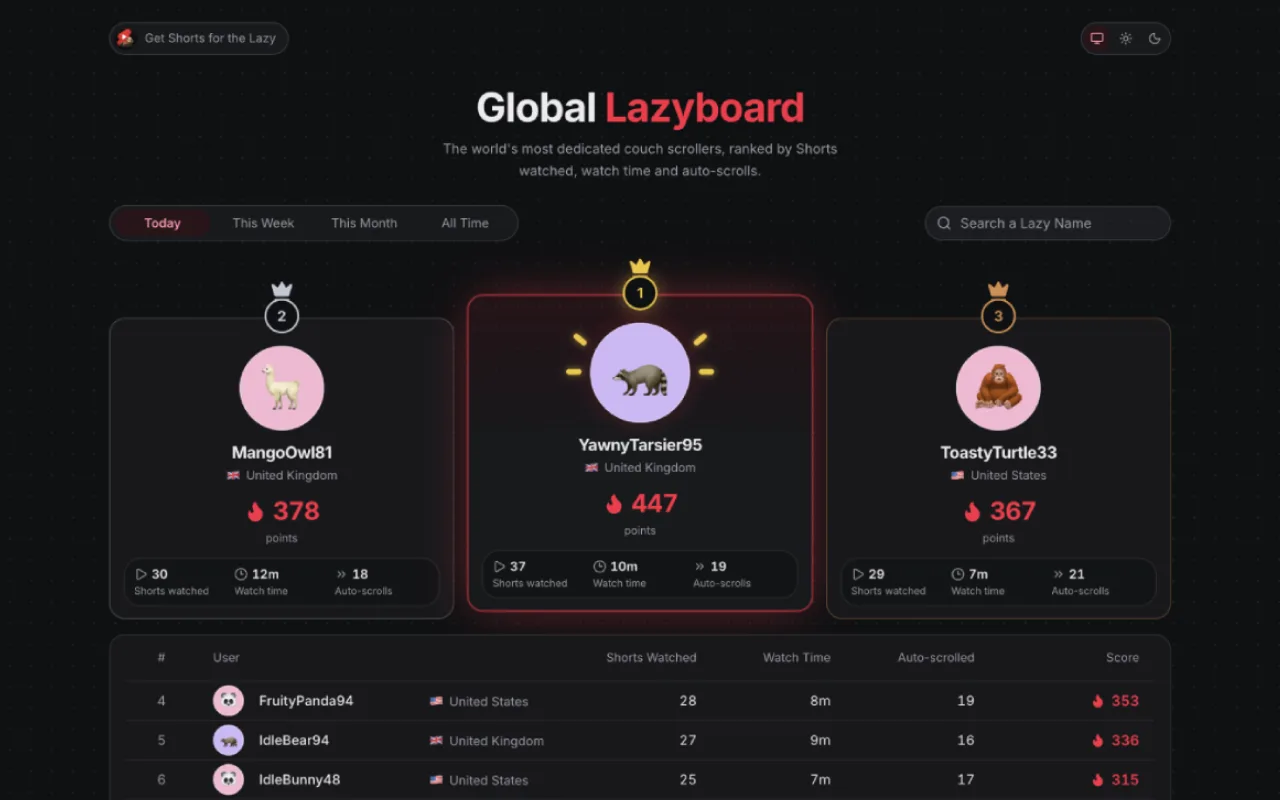
Join the public leaderboard of the world's laziest Shorts watchers at https://lazyboard.hamiken.com. Pick a Lazy Name and an avatar, and see how you rank today, this week, this month or of all time. Showing your country is optional.
Create cute, interactable, and so pretty digital gifts and love letters
Practice interviews and scan resumes 100% offline with on-device AI.
Your Personal co-pilot
Sign in to join the discussion.
Sign in to commentBased on 1 review
Good for eating while the YouTube is autoscroll


No comments yet. Start the discussion with something useful.